STV Asset Management
Designing a data-driven platform for long-term infrastructure planning.
A web application that helps organizations forecast budgets, track assets, and make informed decisions over time.
Problem
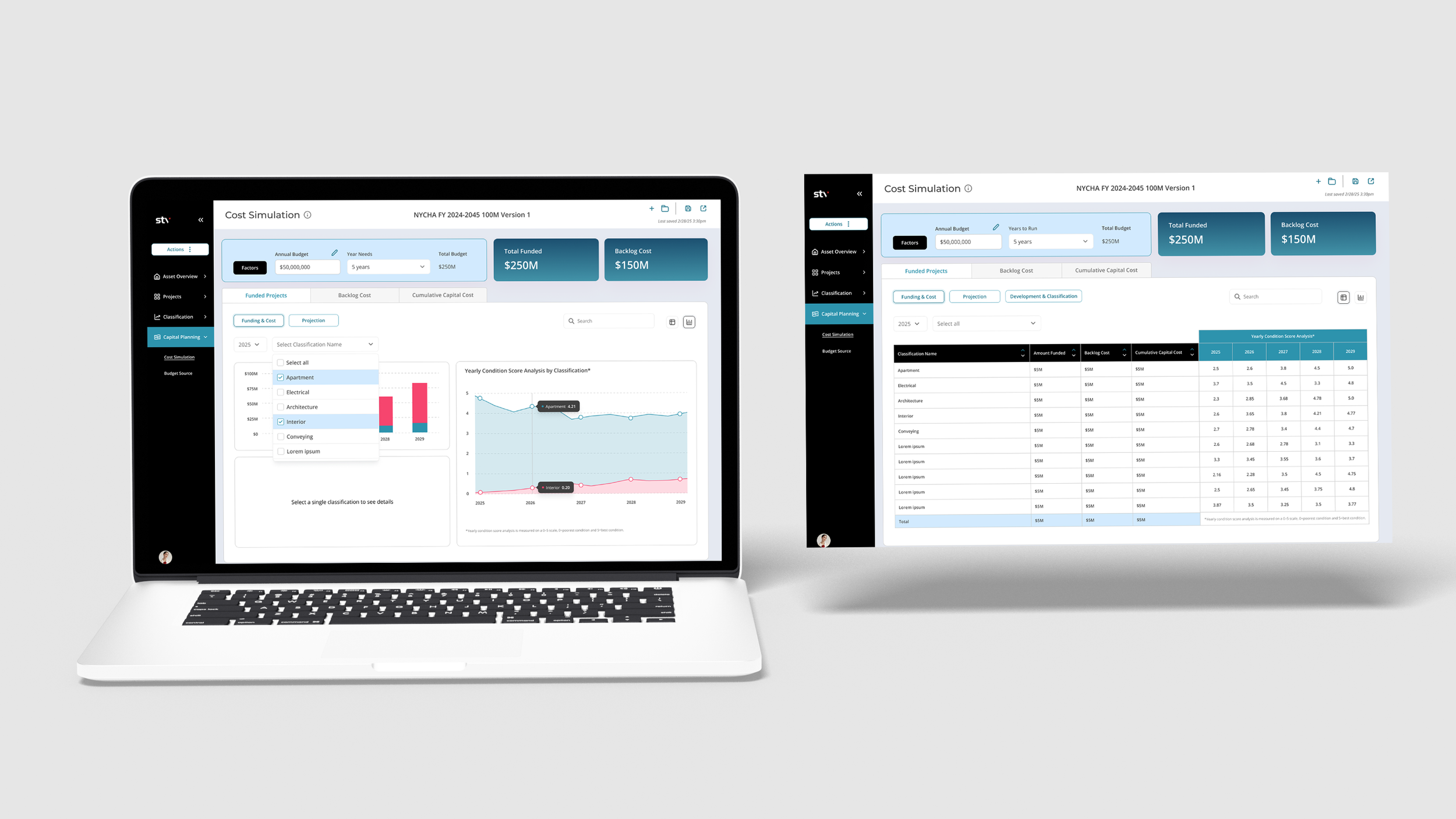
Organizations lacked clear visibility into how limited budgets impact asset performance over time. Existing tools were complex, fragmented, and required manual analysis, making long-term planning difficult.
Goal
Help users:
• Forecast costs over time
• Prioritize maintenance and investments
• Make faster, data-informed decisions
Process
Key uses include:
1. Building and Facility Assessment
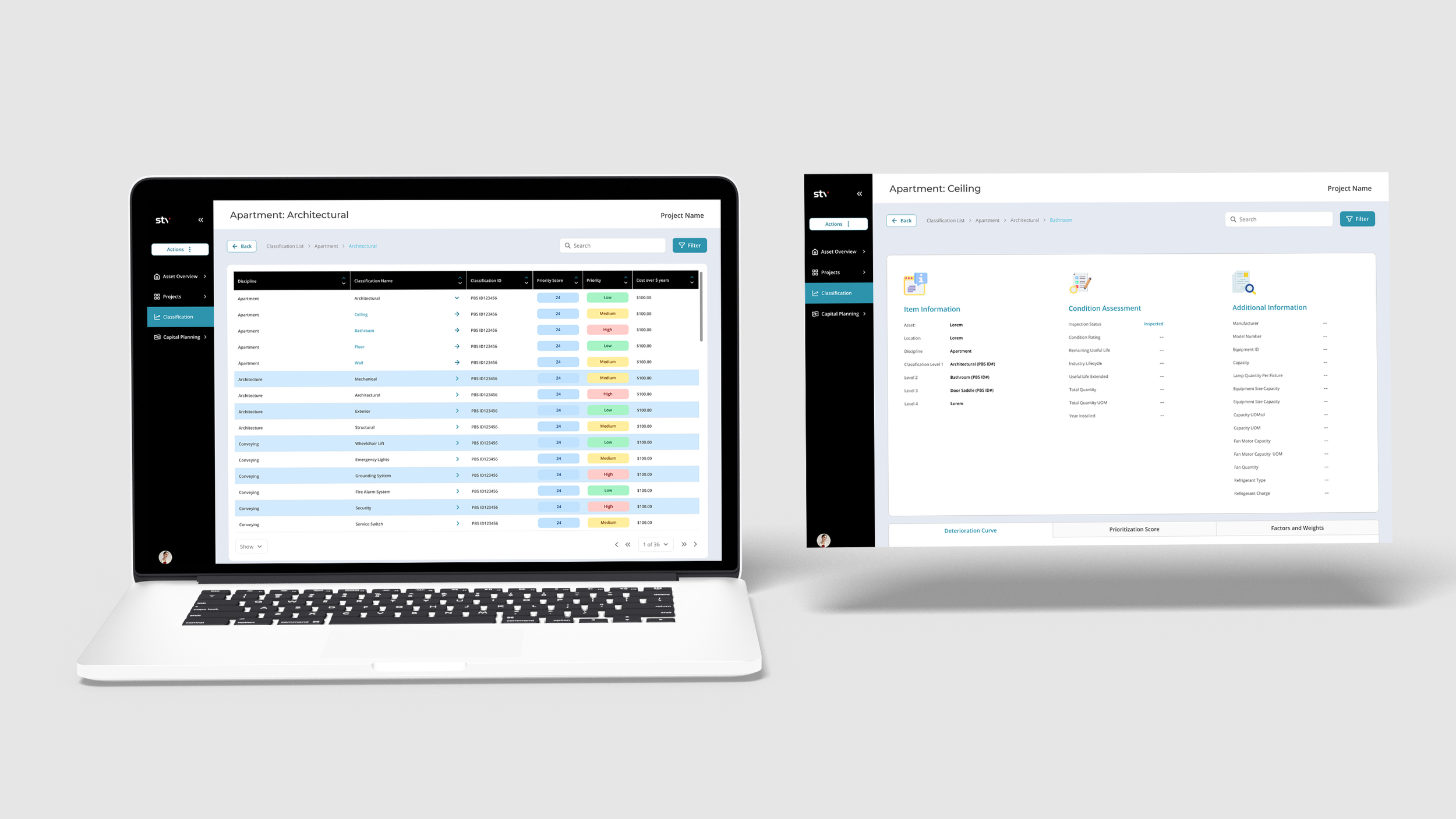
Condition Ratings: Standardized inspection-based ratings of an asset’s current state (e.g., excellent, good, poor).
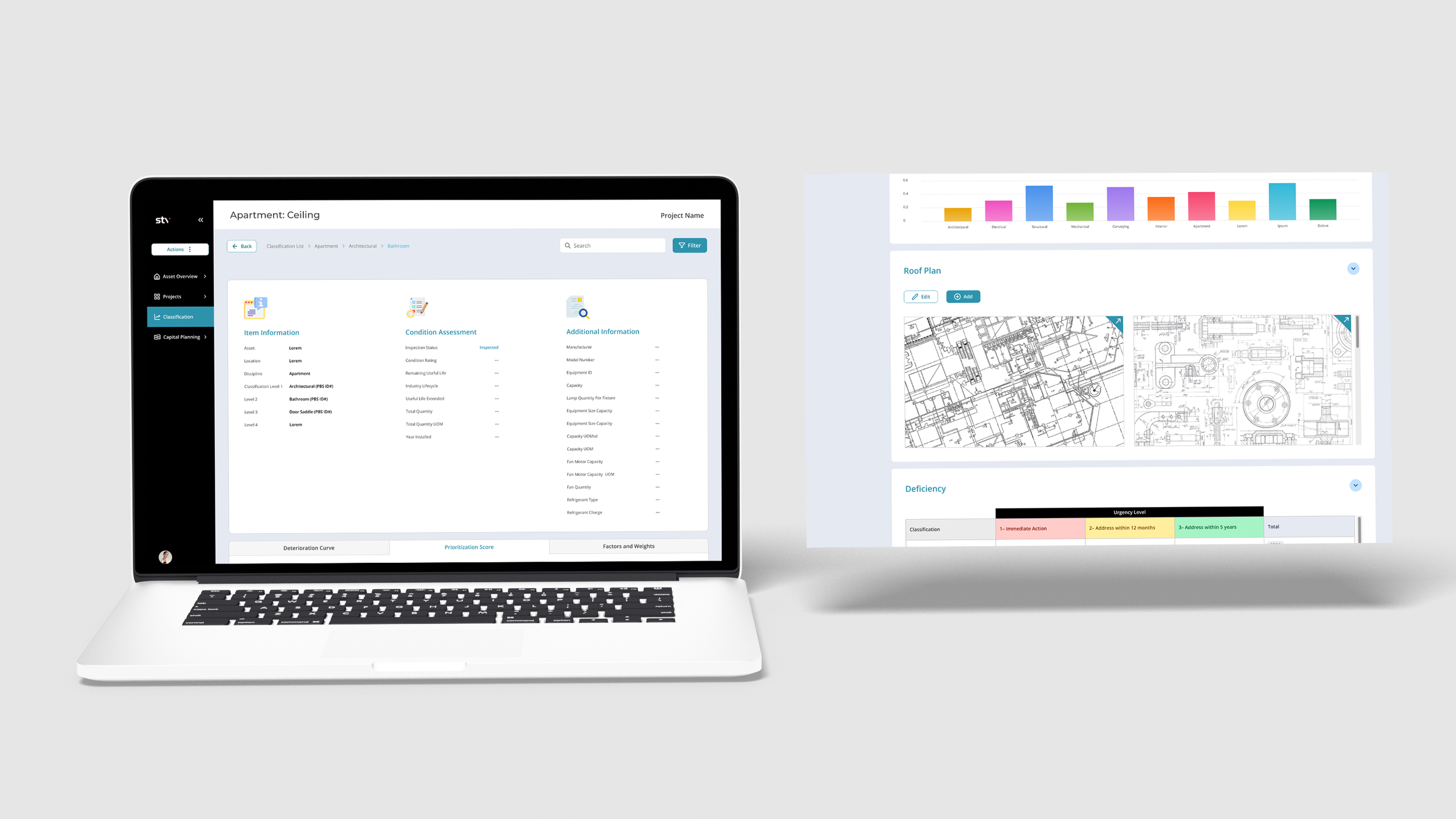
Deterioration Modeling: Predicts how assets will degrade over time using historical and environmental data.
2. Data Collection and Documentation
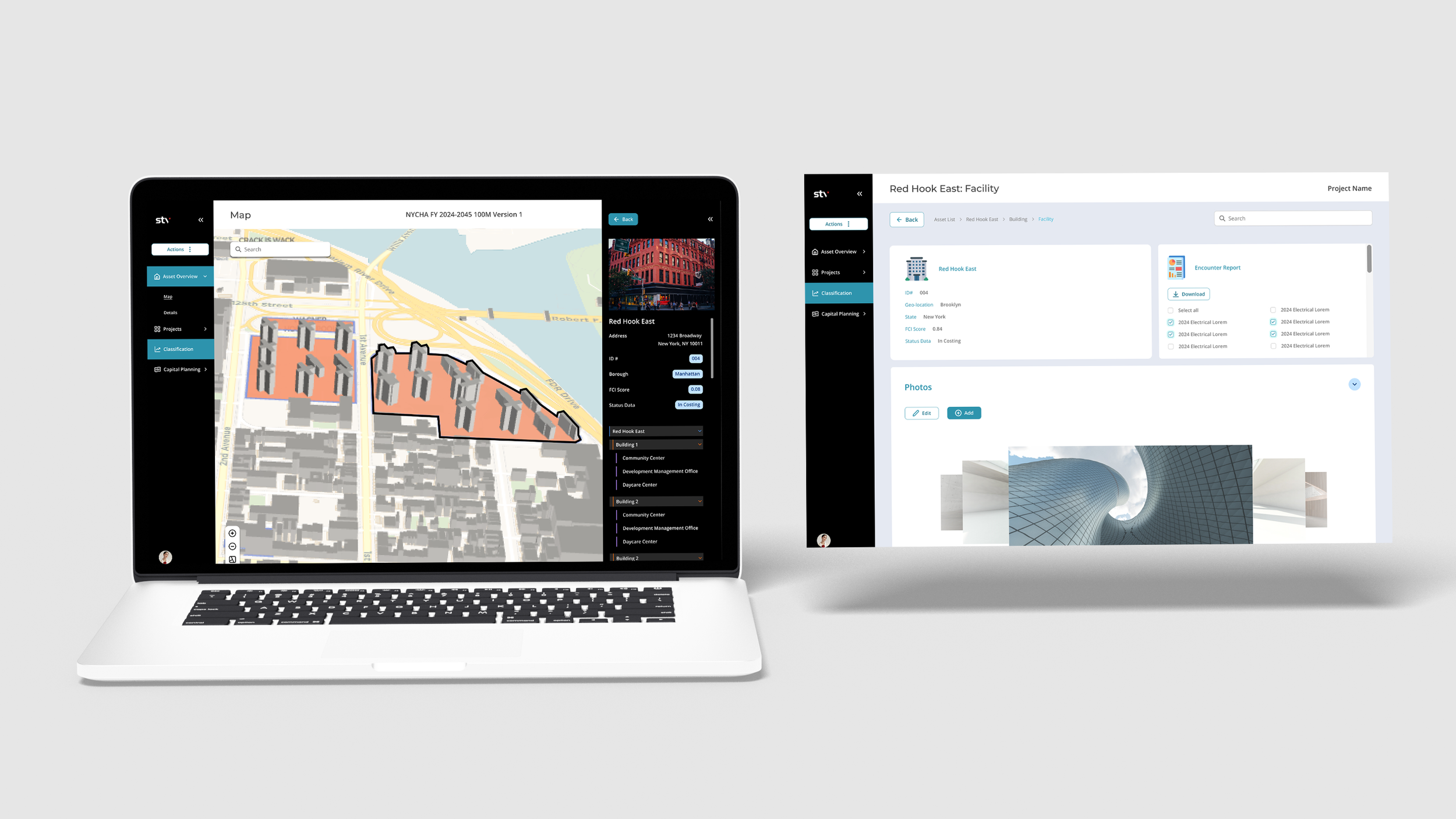
Inventory Management: Catalogs assets with location, specs, and maintenance history.
Inspection Reports: Stores detailed inspection records, including photos, measurements, and notes.
3. Maintenance Planning and Scheduling
Resource Allocation: Assists in prioritizing repairs or replacements based on condition assessments and budget constraints.
Lifecycle Cost Analysis: Calculates the total cost of ownership
4. Performance Monitoring
Real-Time Data: Monitors and tracks performance metrics
Performance Benchmarks: Compares asset performance against industry standards or historical data.
5. Long-Term Planning and Forecasting
Capital Planning: Aids in budgeting for major repairs, renovations, or replacements.
Deterioration Forecasting: Models future conditions to help plan upgrades or mitigate risks.
Sustainability Goals: Tracks progress toward energy efficiency or environmental sustainability objectives.
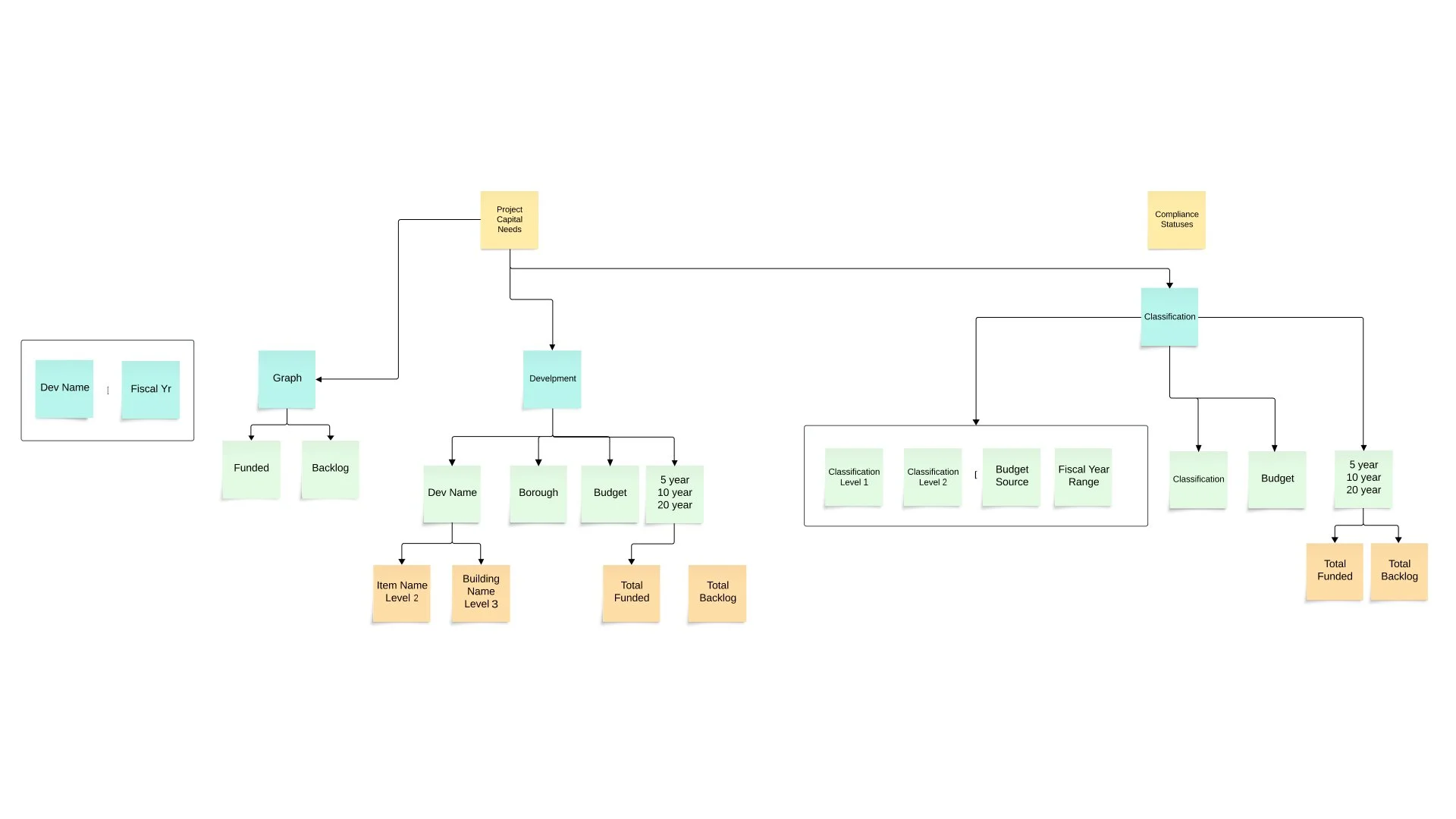
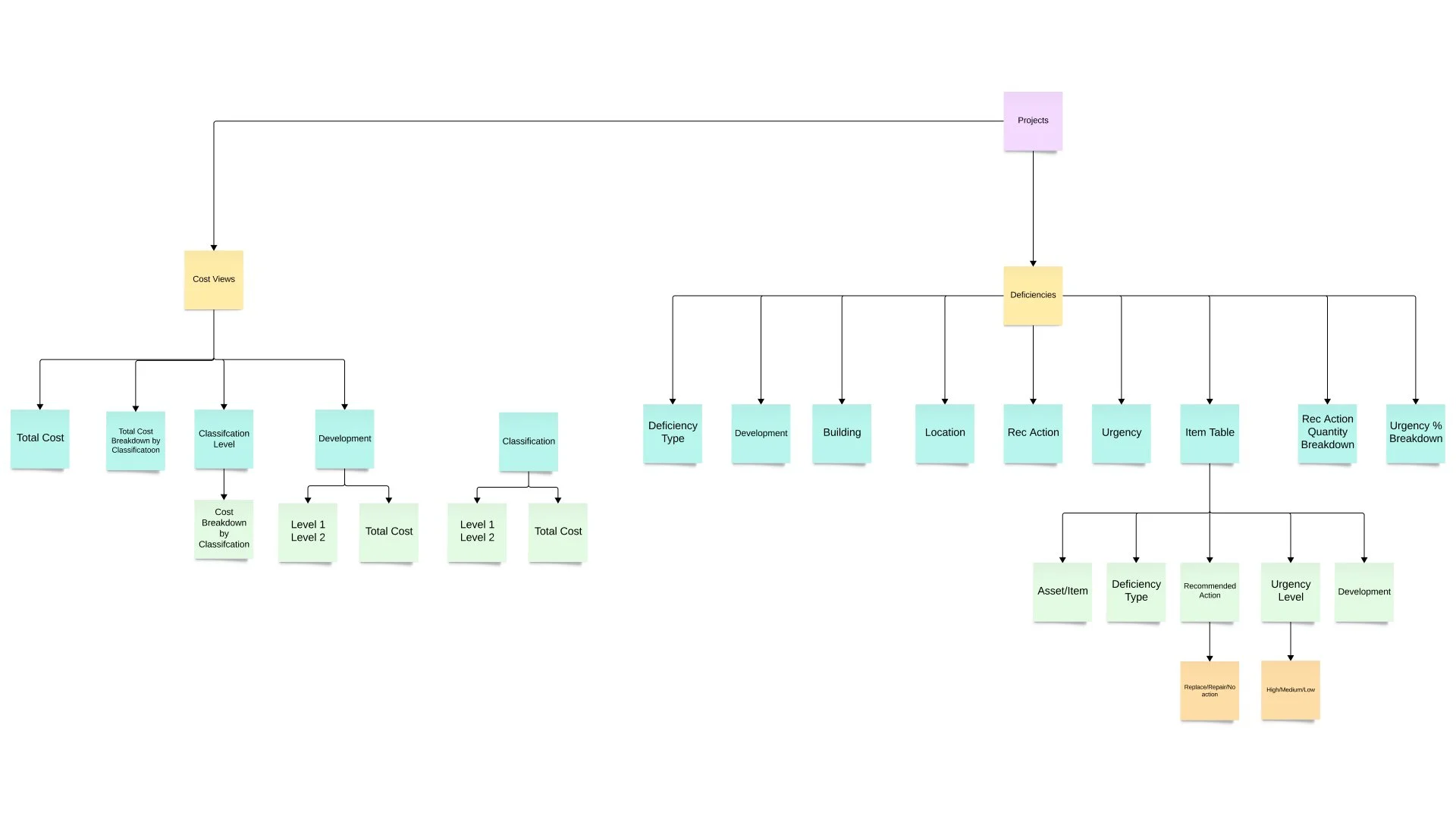
Information Architecture/Persona
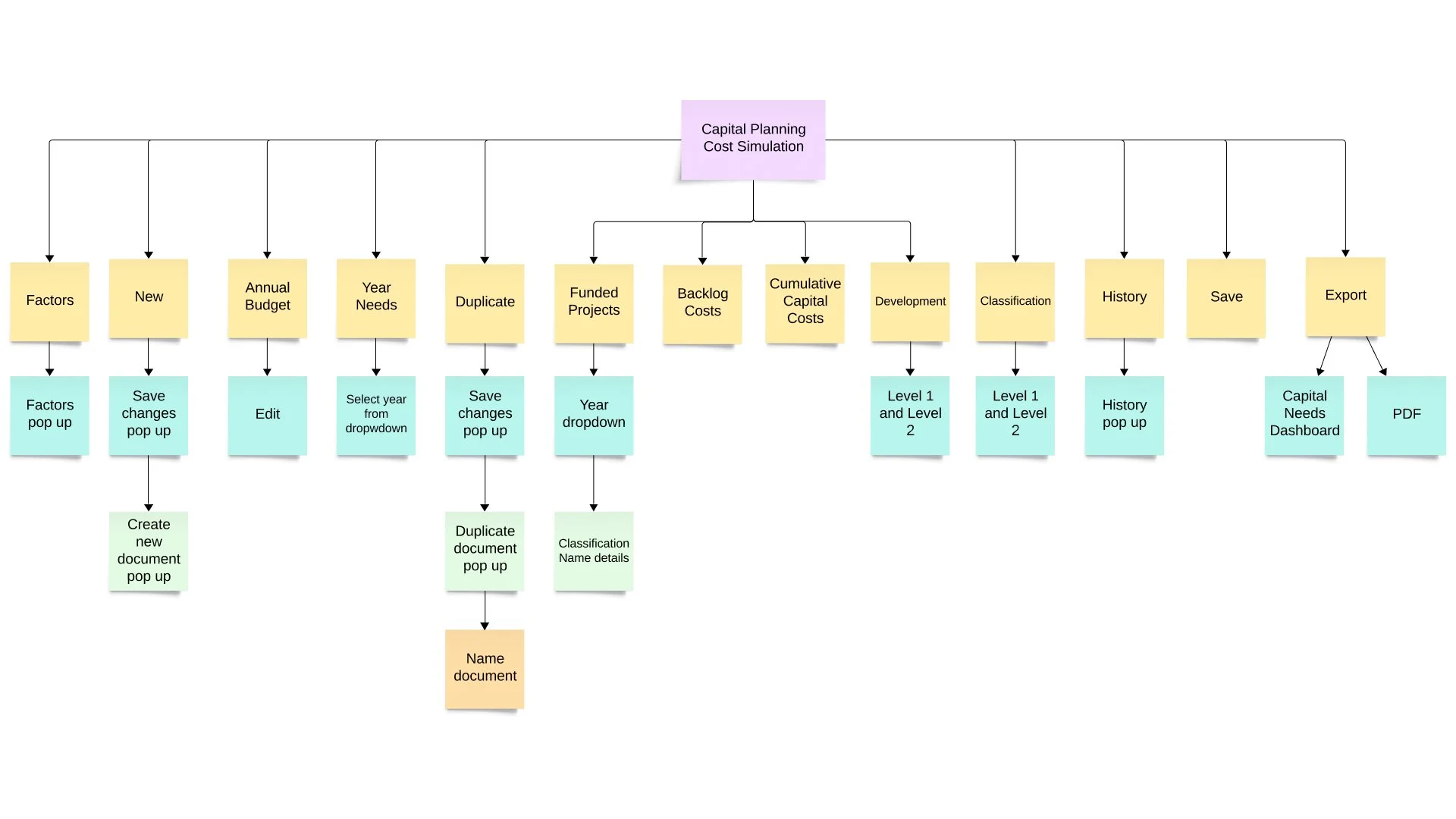
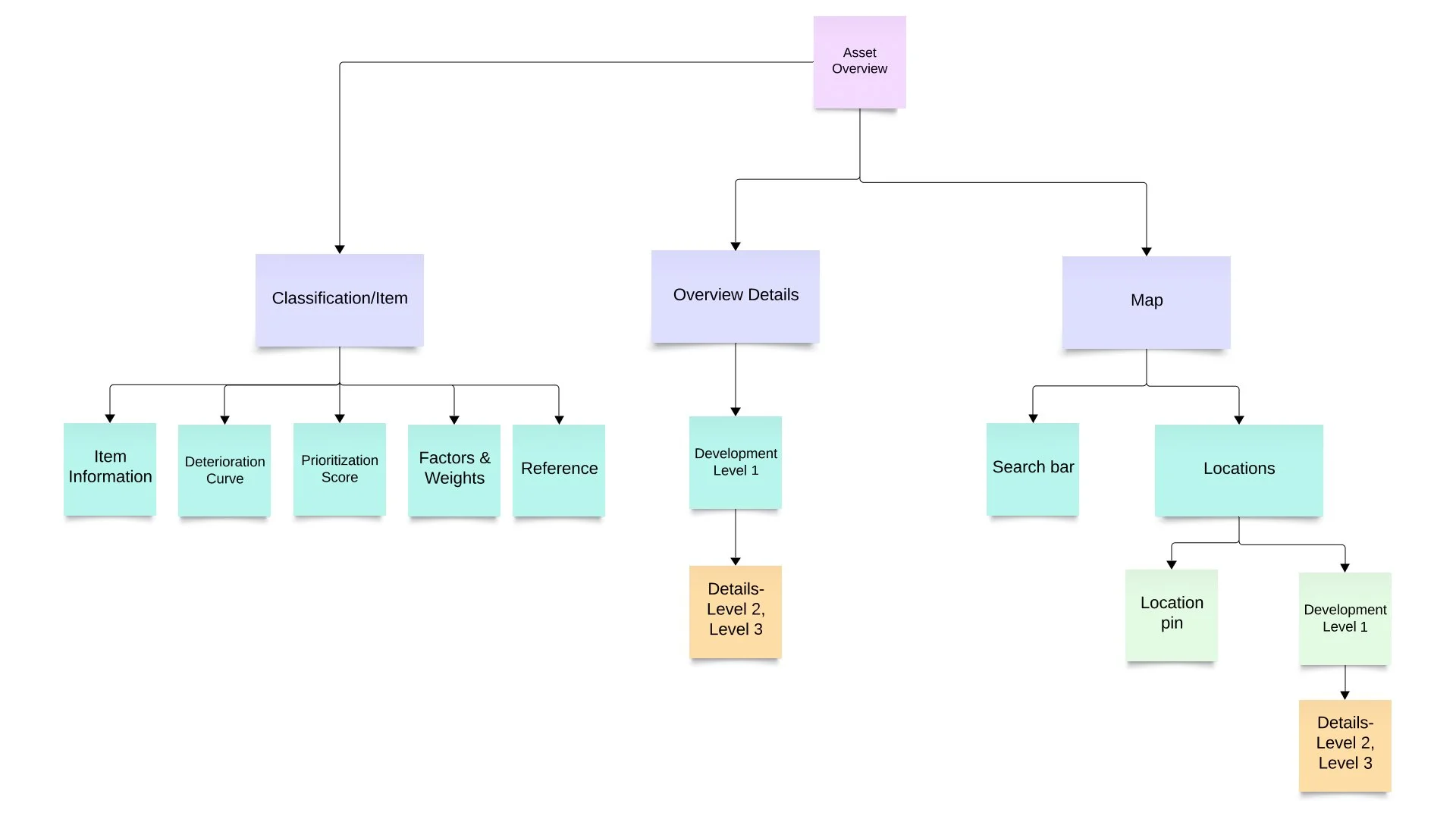
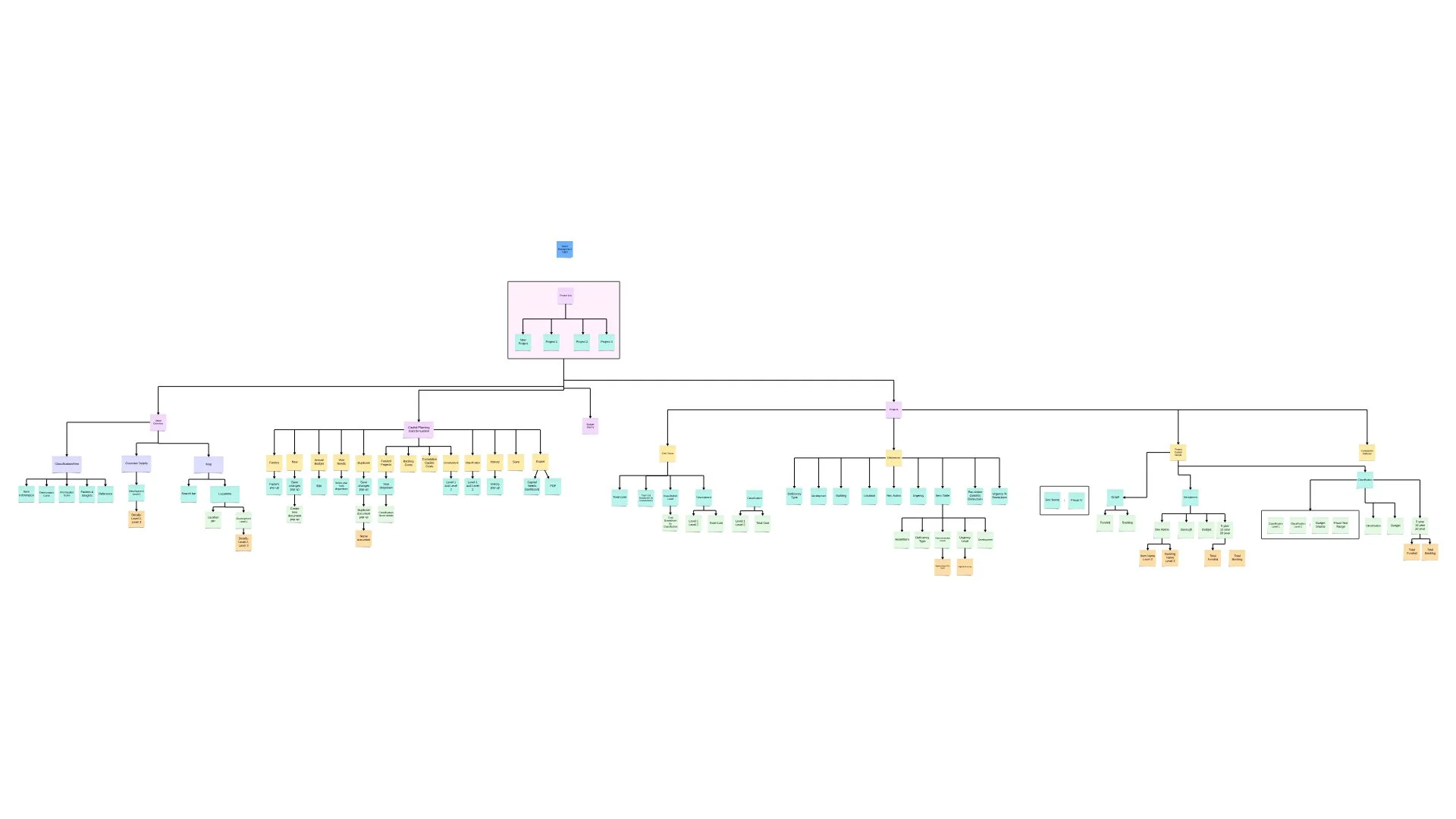
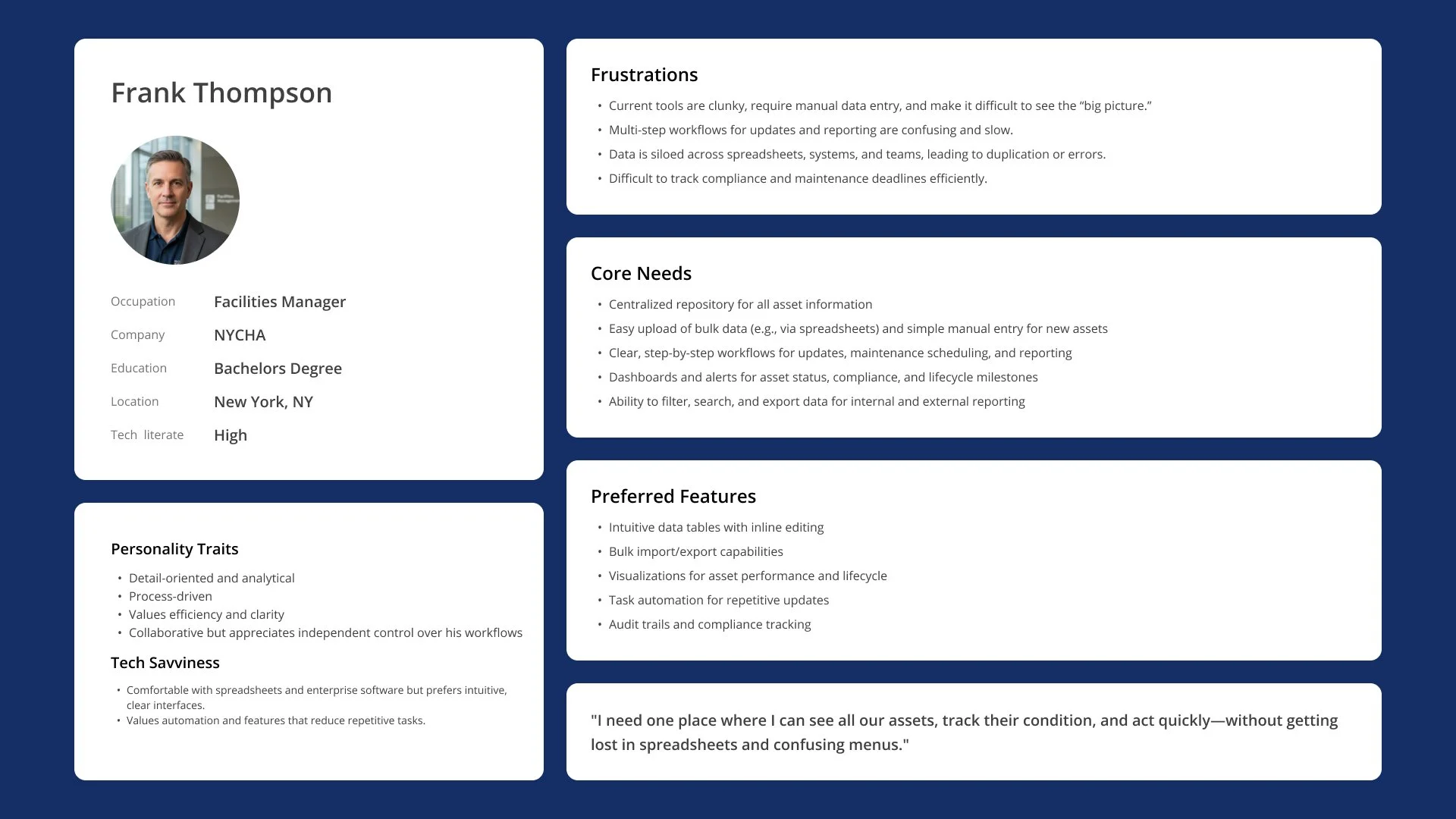
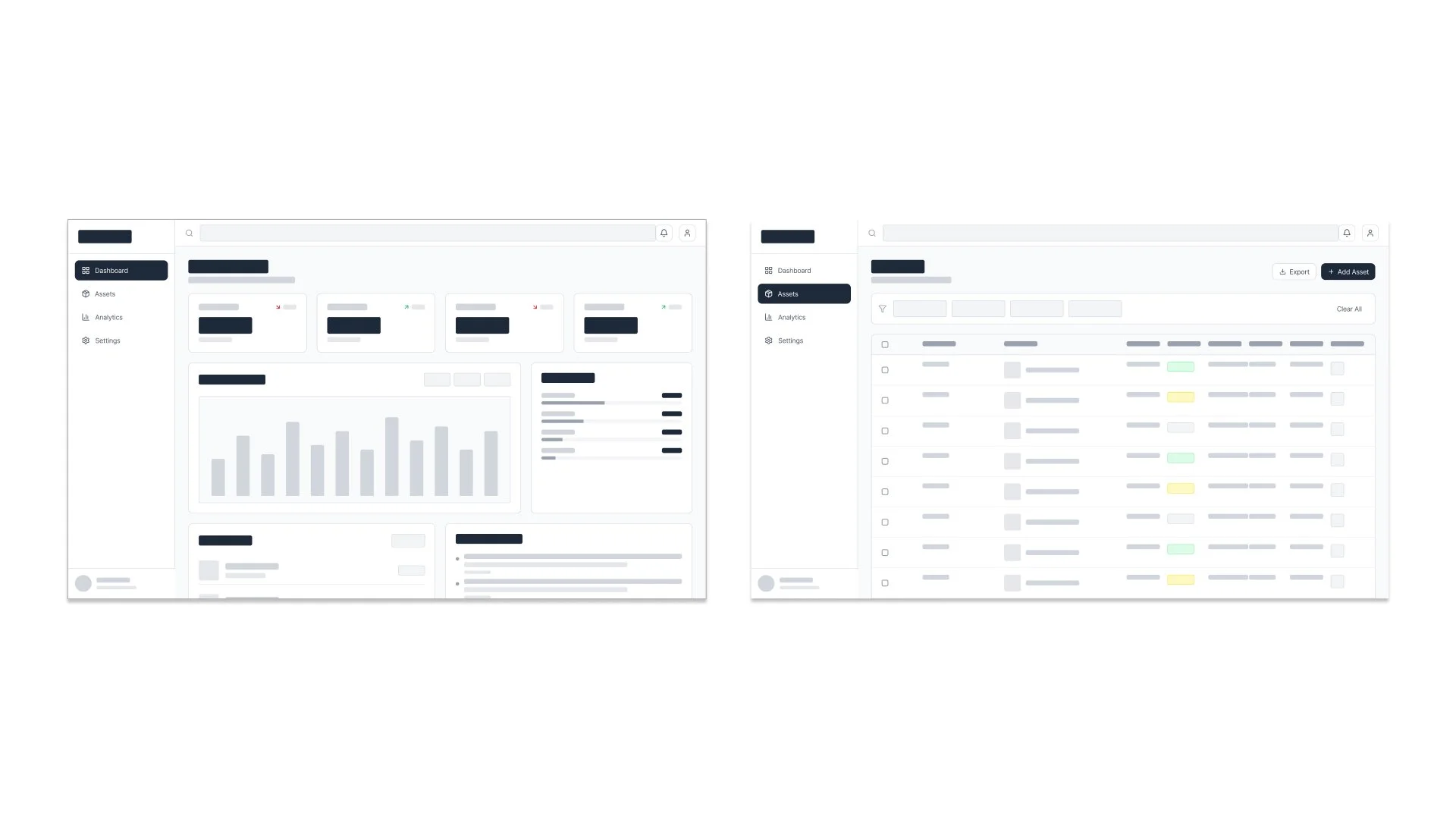
Wireframes
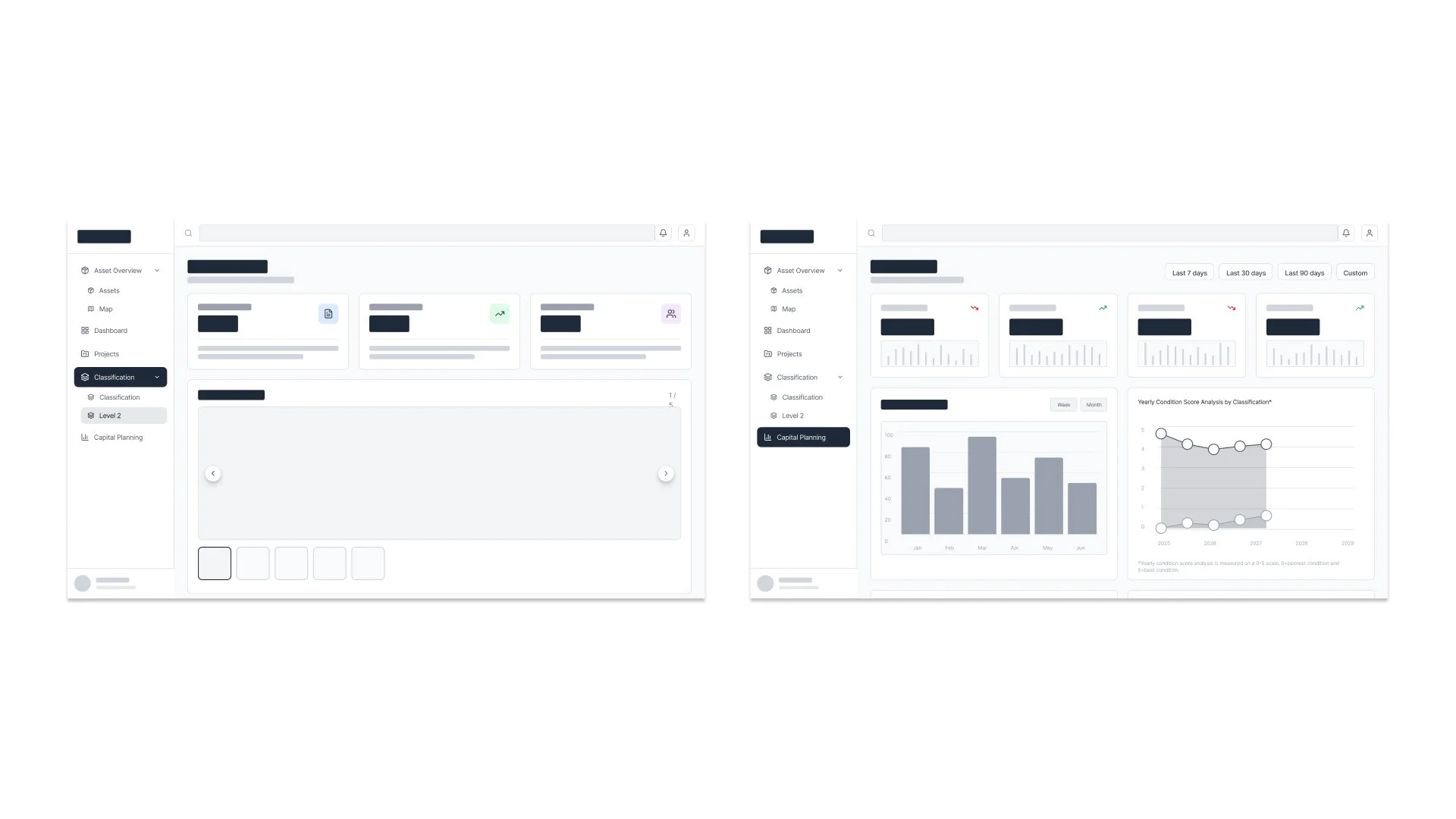
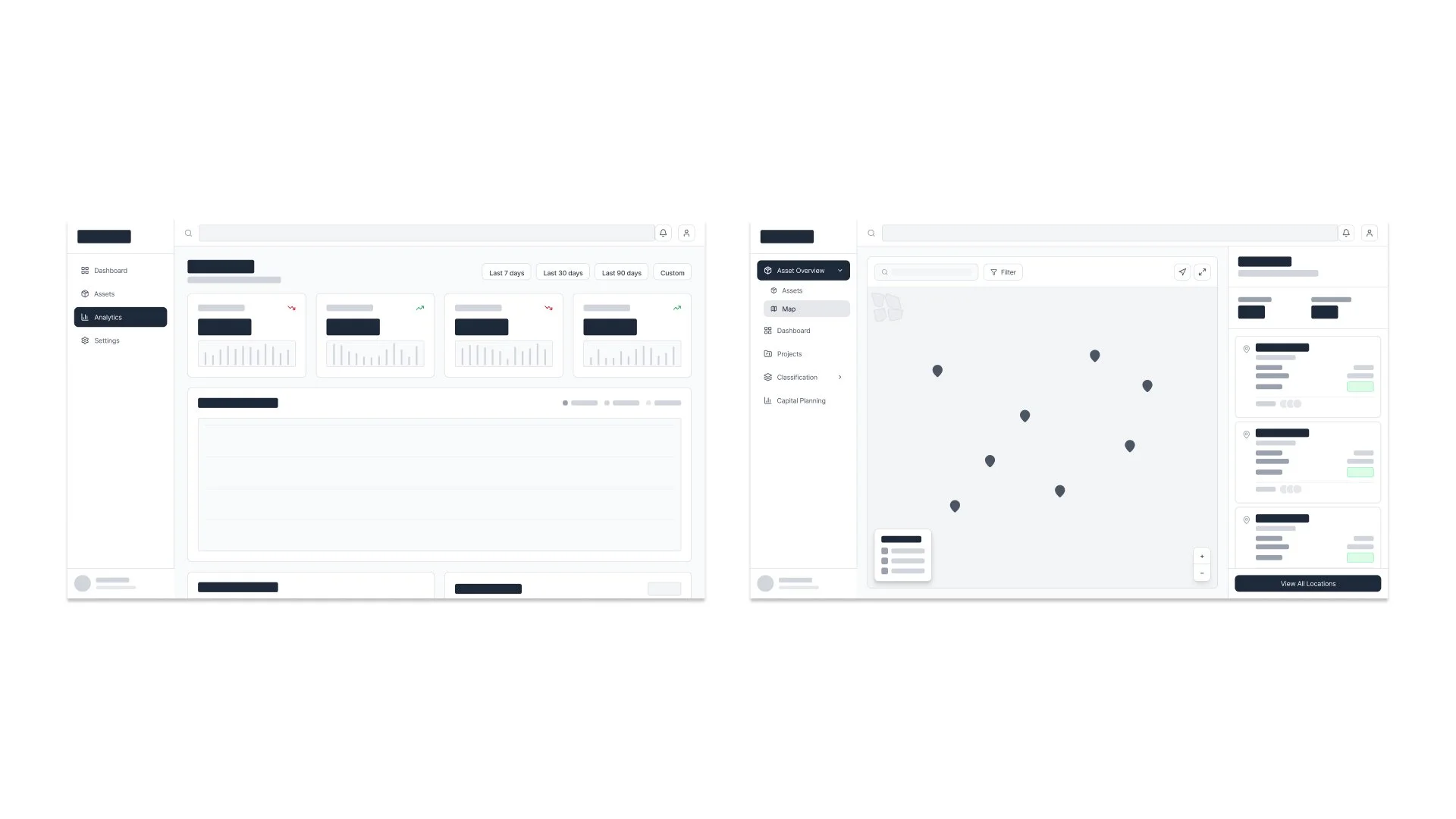
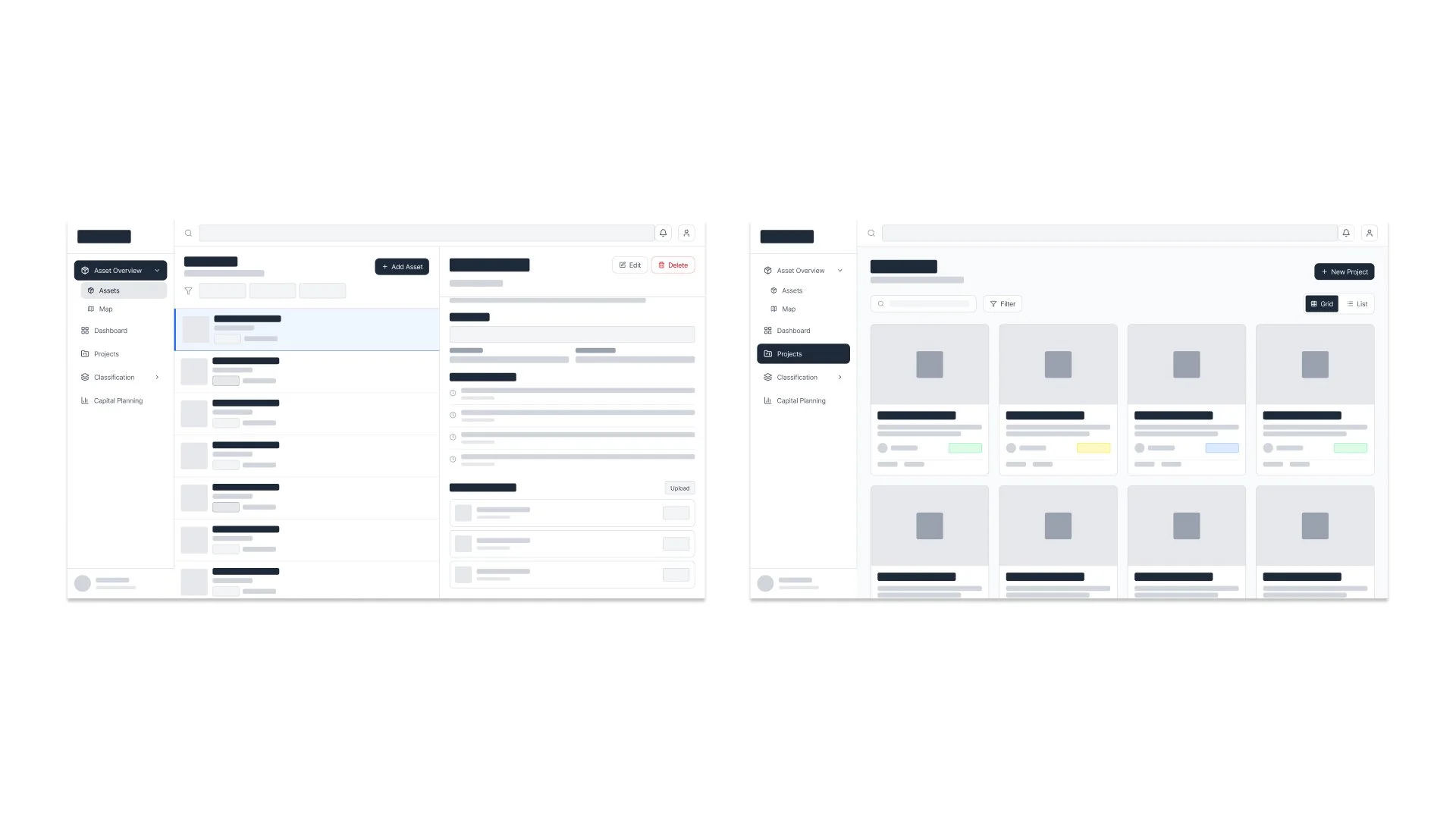
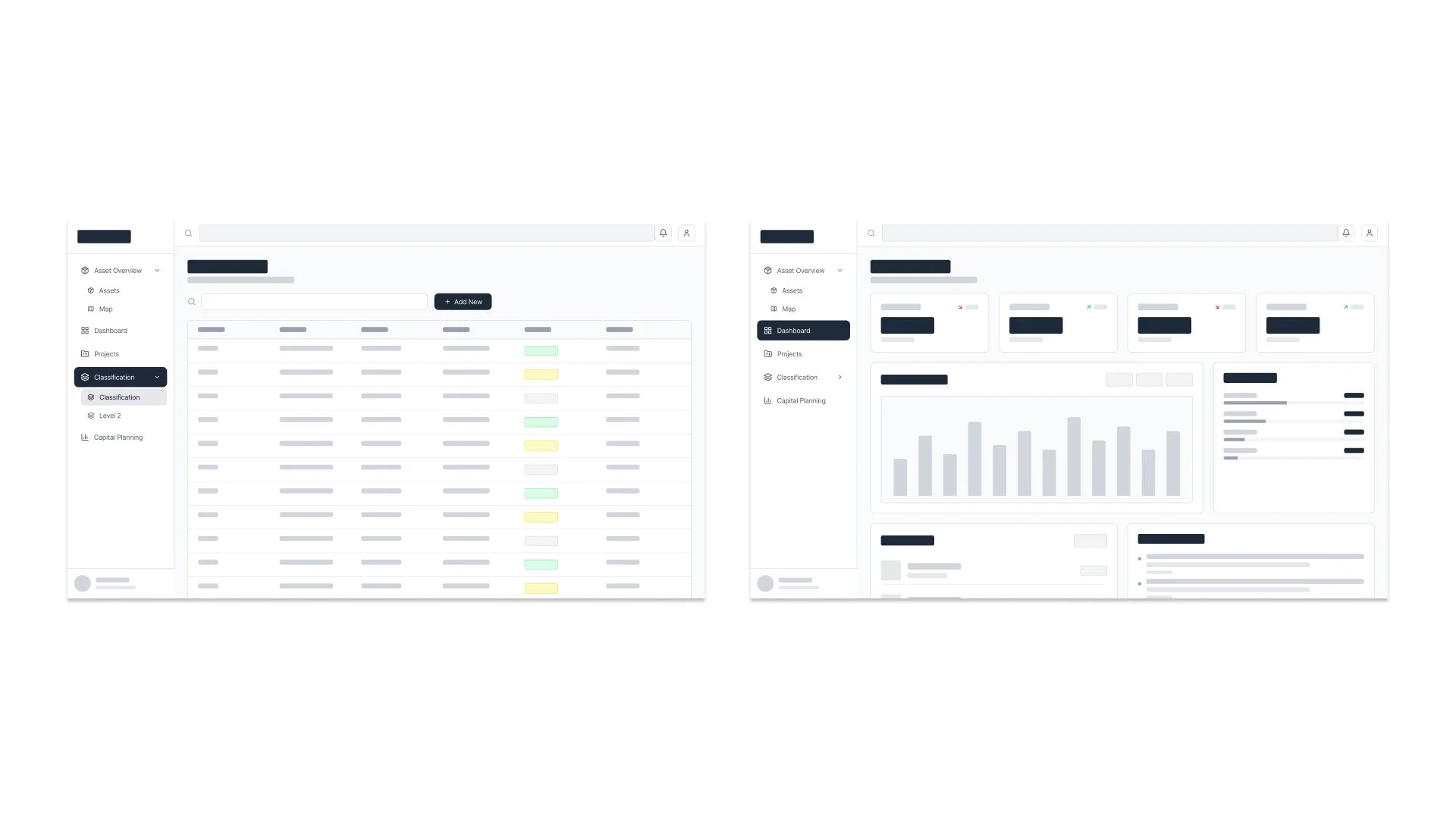
Version 1
Version 1 was functional but required multiple clicks, relied heavily on dense tables, and lacked visual clarity and guidance. It provided the core functionality but created friction for users. The interface was visually dense, navigation required too many steps, and accessibility considerations were limited.




Version 2
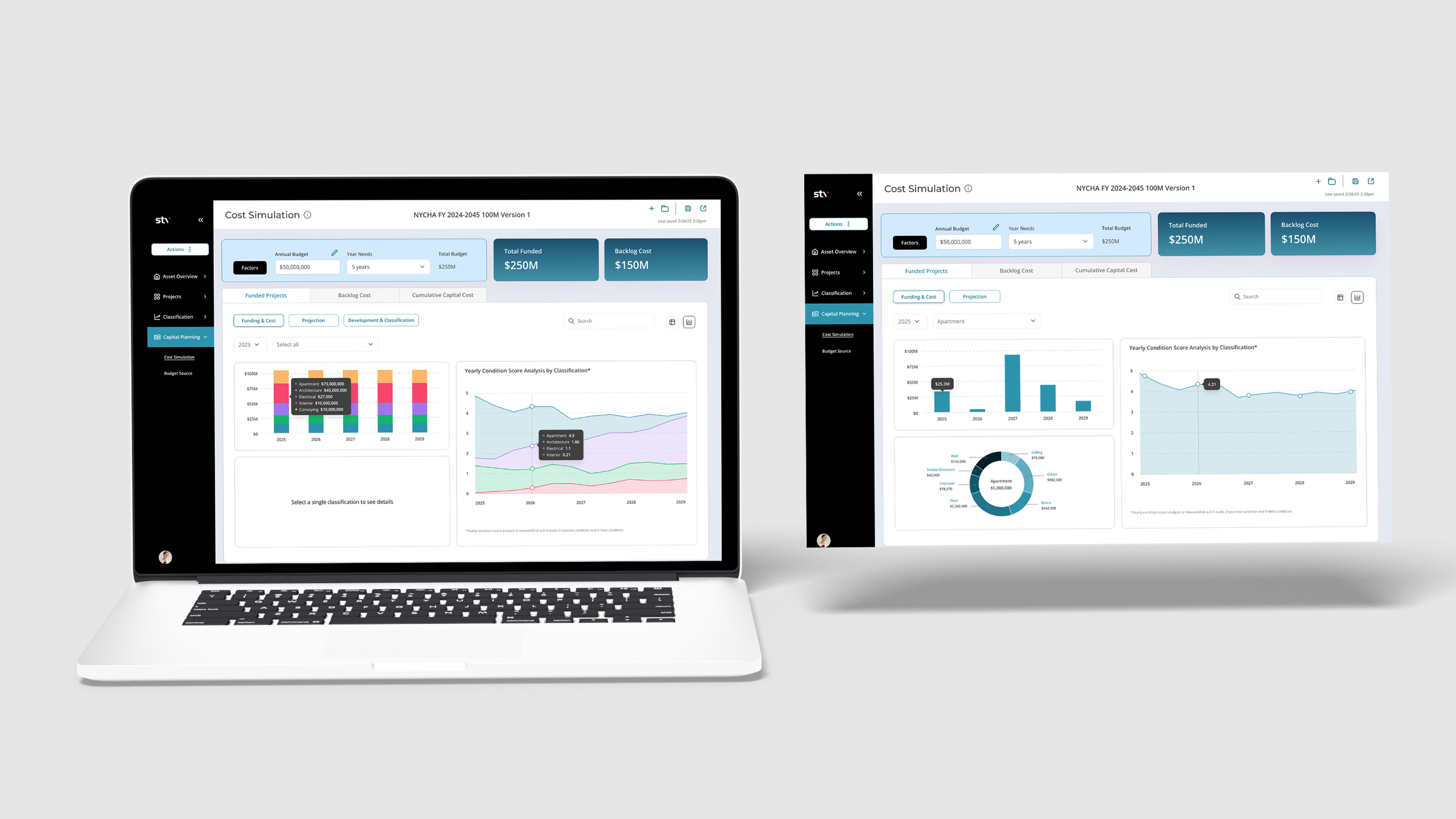
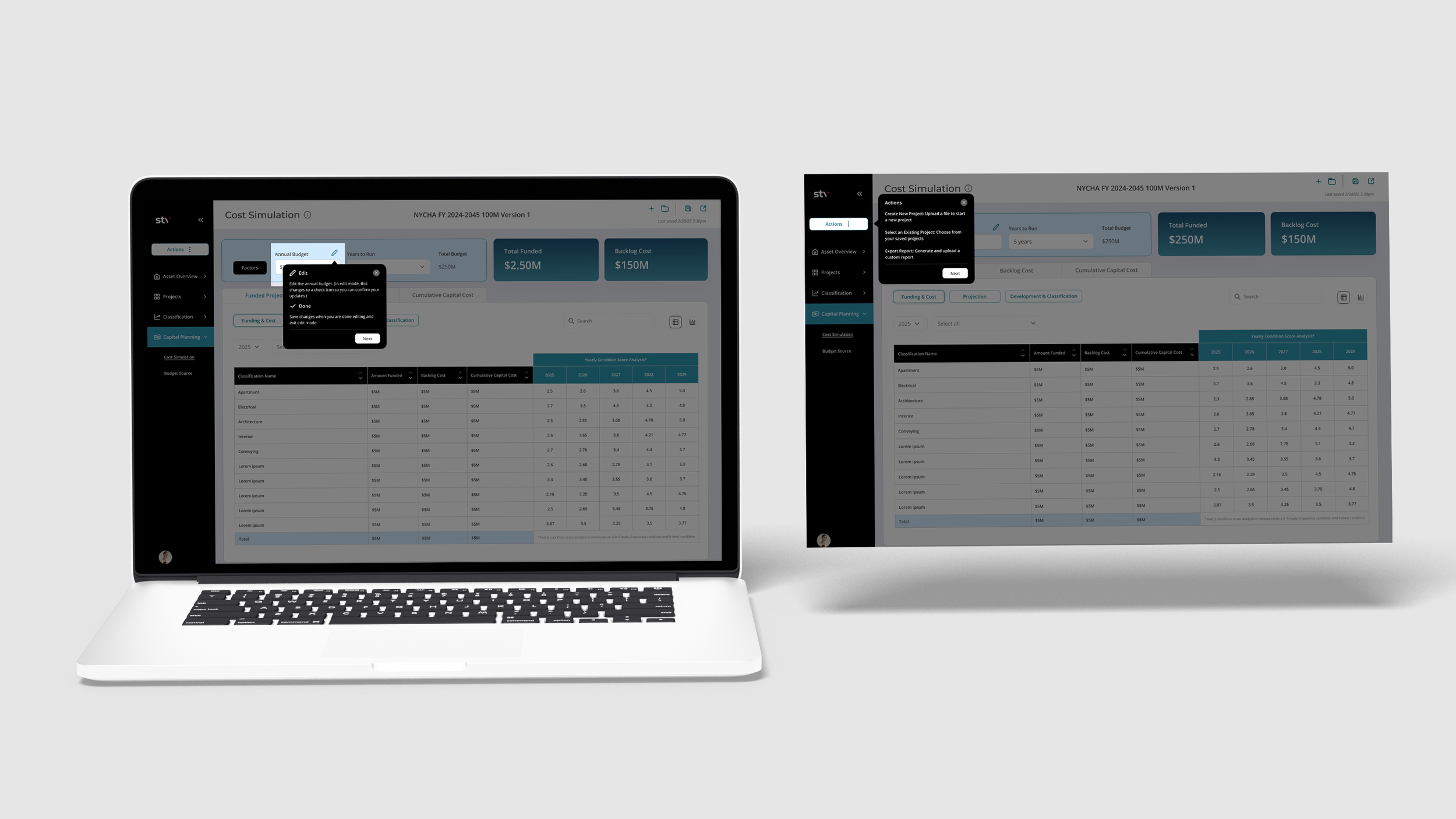
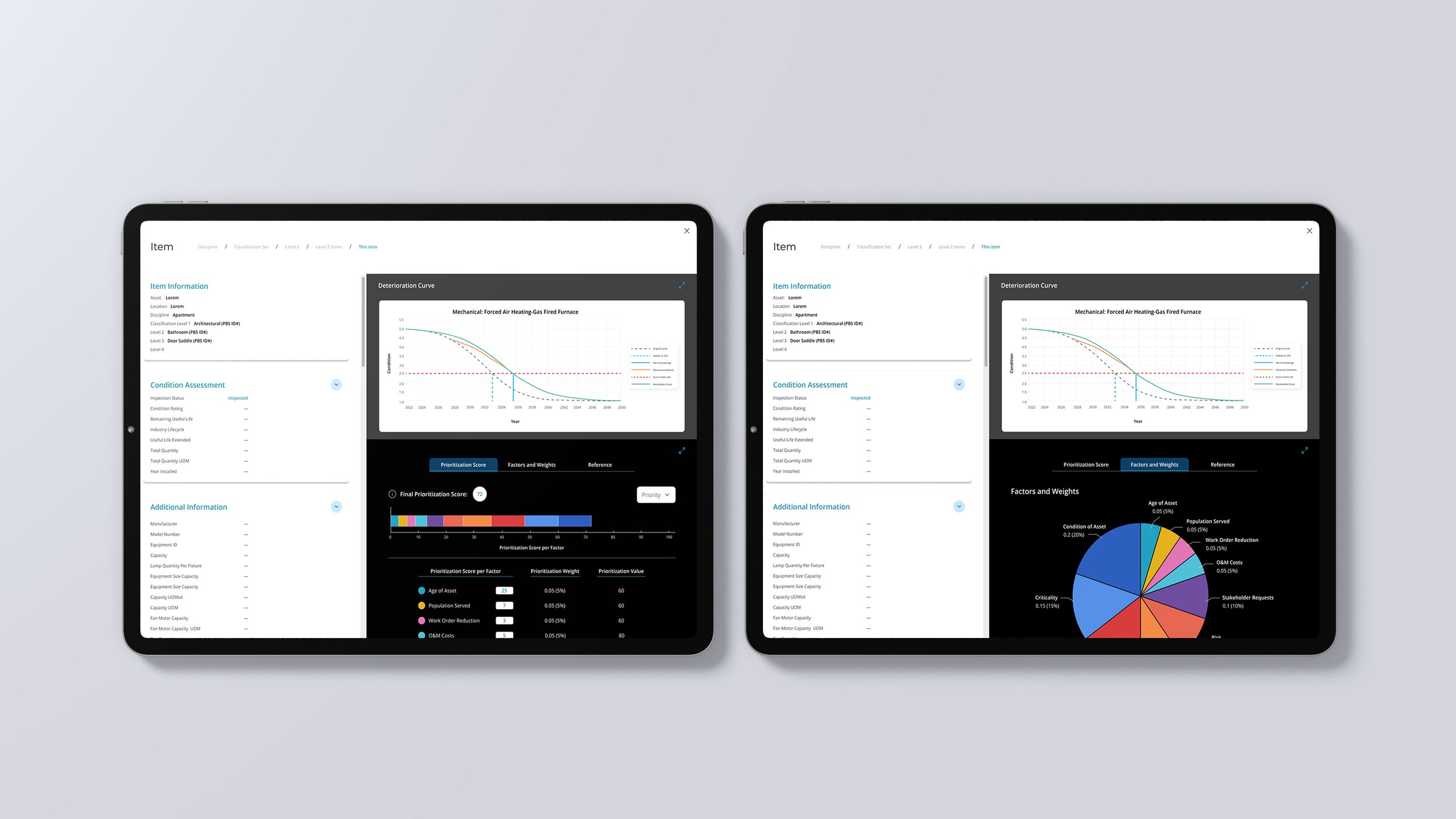
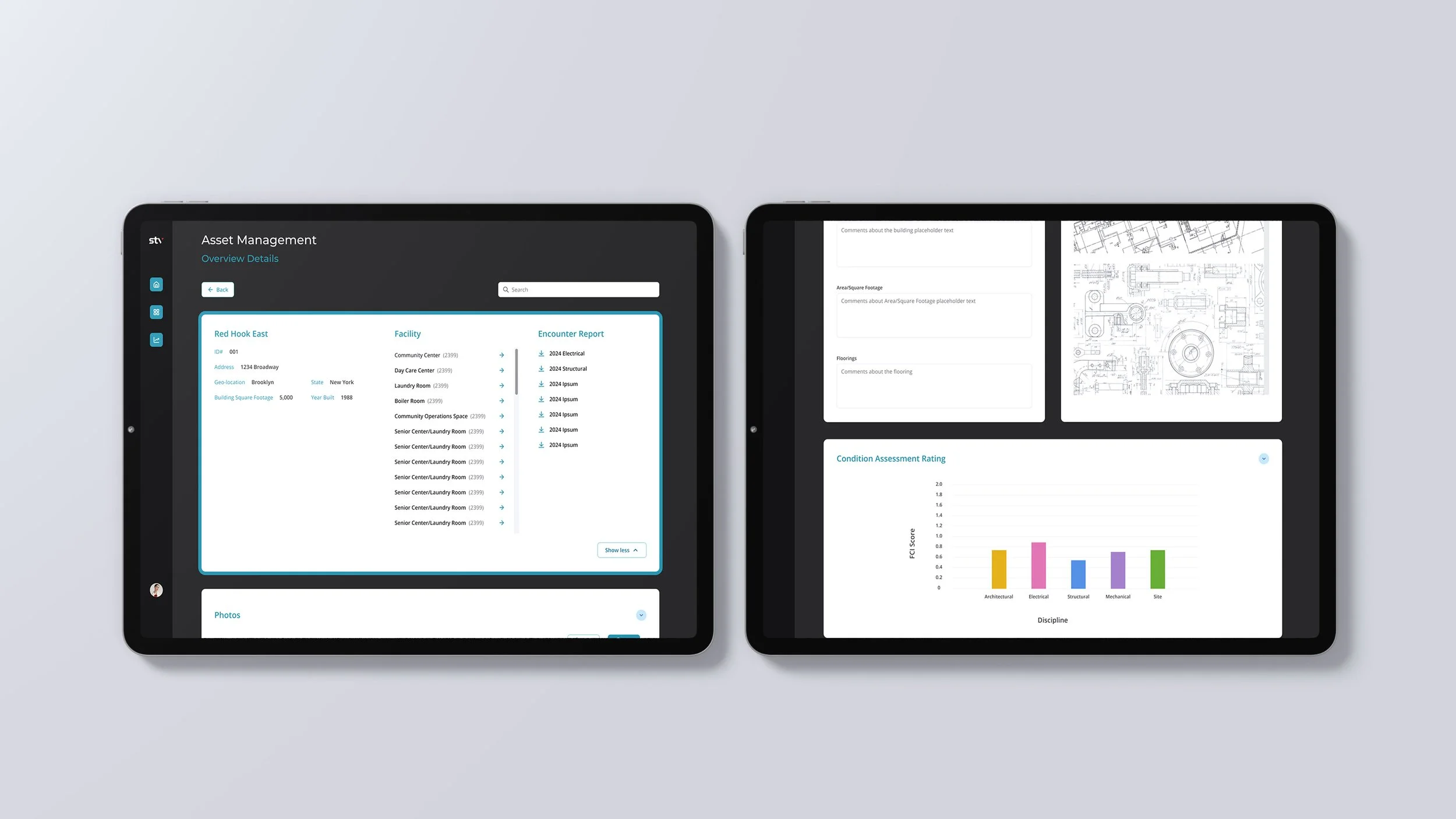
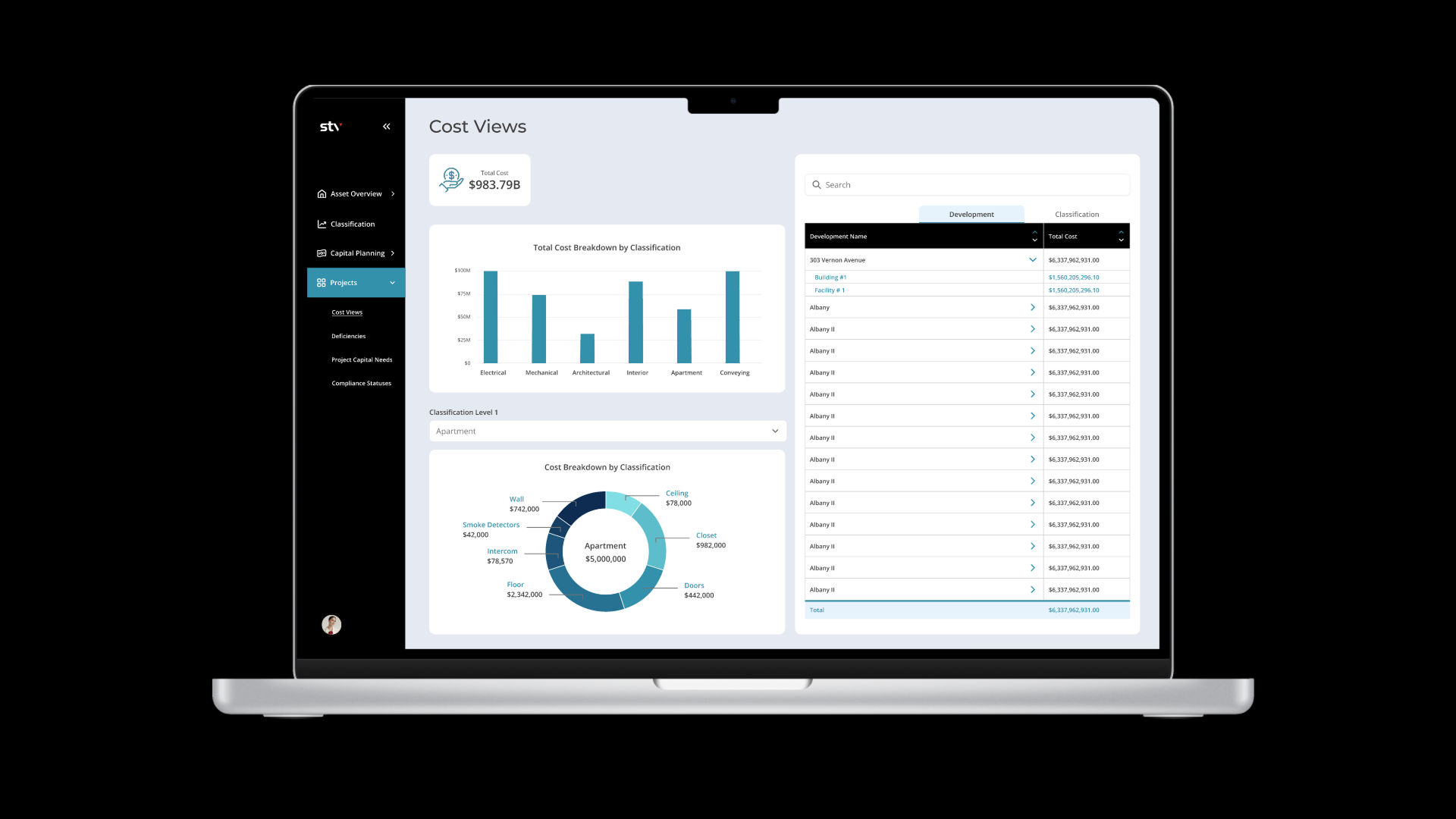
Version 2 introduced major UX and UI improvements: clearer visuals, reduced steps, stronger accessibility practices, a cleaner layout, and an optional guided walkthrough with optional tooltips to help new users navigate complex workflows. It focused on elevating usability and clarity.
Key workflows were simplified to reduce clicks, improved visual hierarchy, strengthened accessibility, with cleaner, more intuitive layouts. Optional walkthrough with tooltips to support onboarding and help users understand tools was added.